Pick this if you have one drawing of your OC. Choose Single portrait image in the importer to use it as a portrait. The game supplies the movement artwork.
A character PNG sheet
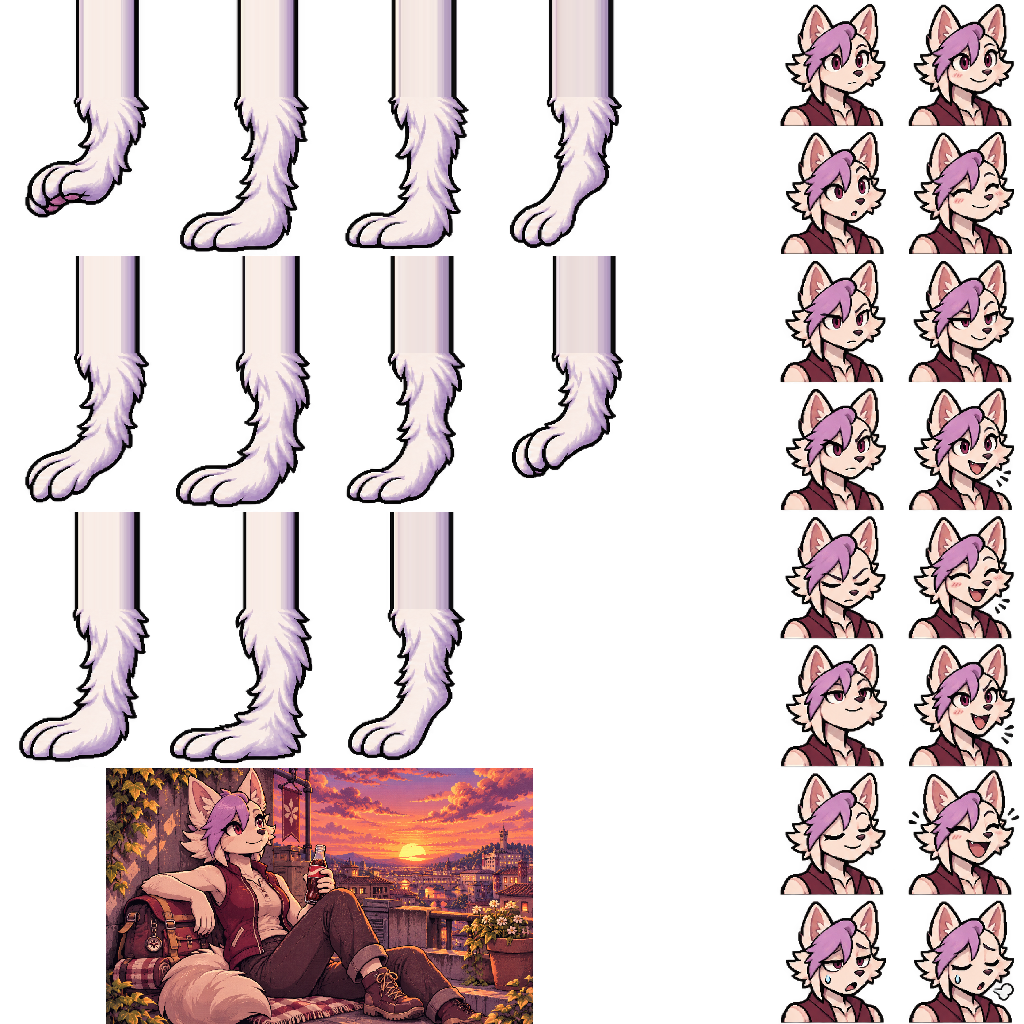
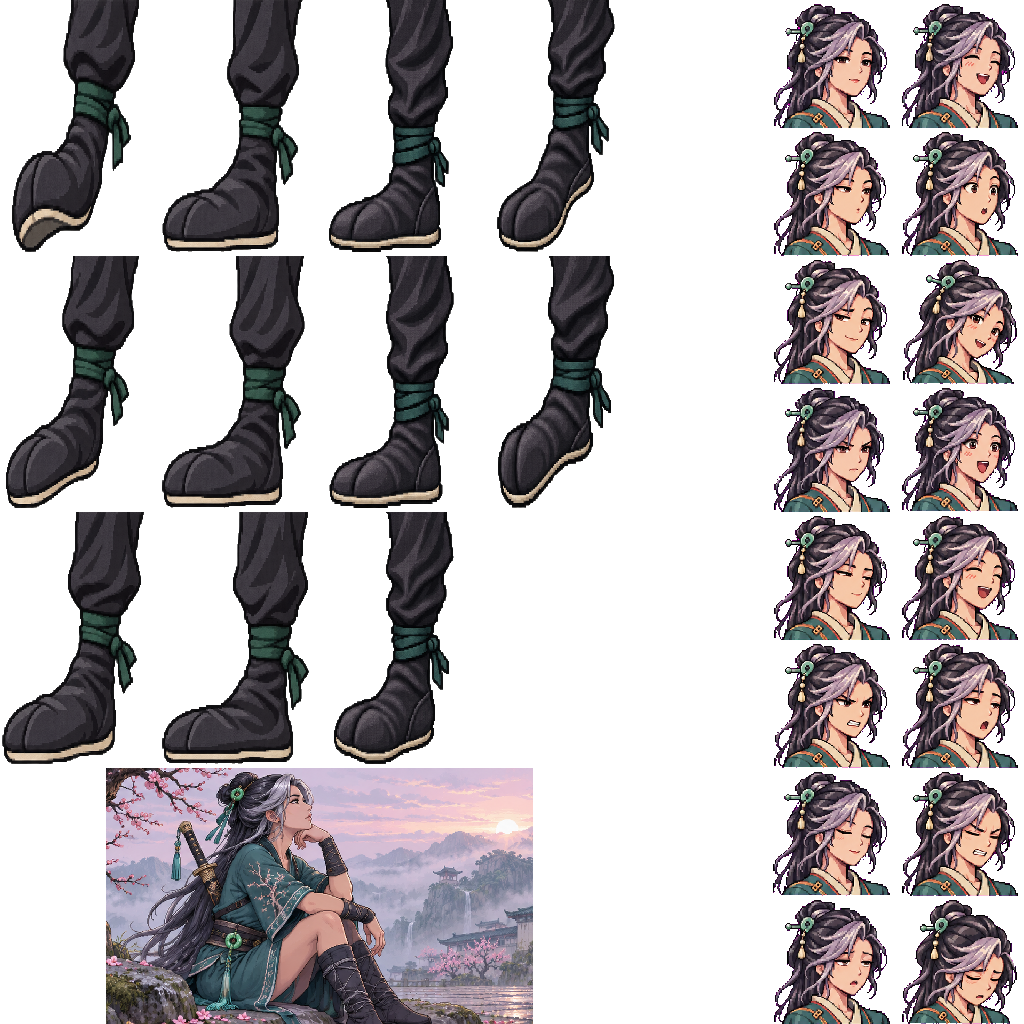
Pick the sheet to draw expressions and foot poses. Keep the transparent canvas and the spaces between frames. Import the PNG on its own to test a small change quickly.
A character ZIP
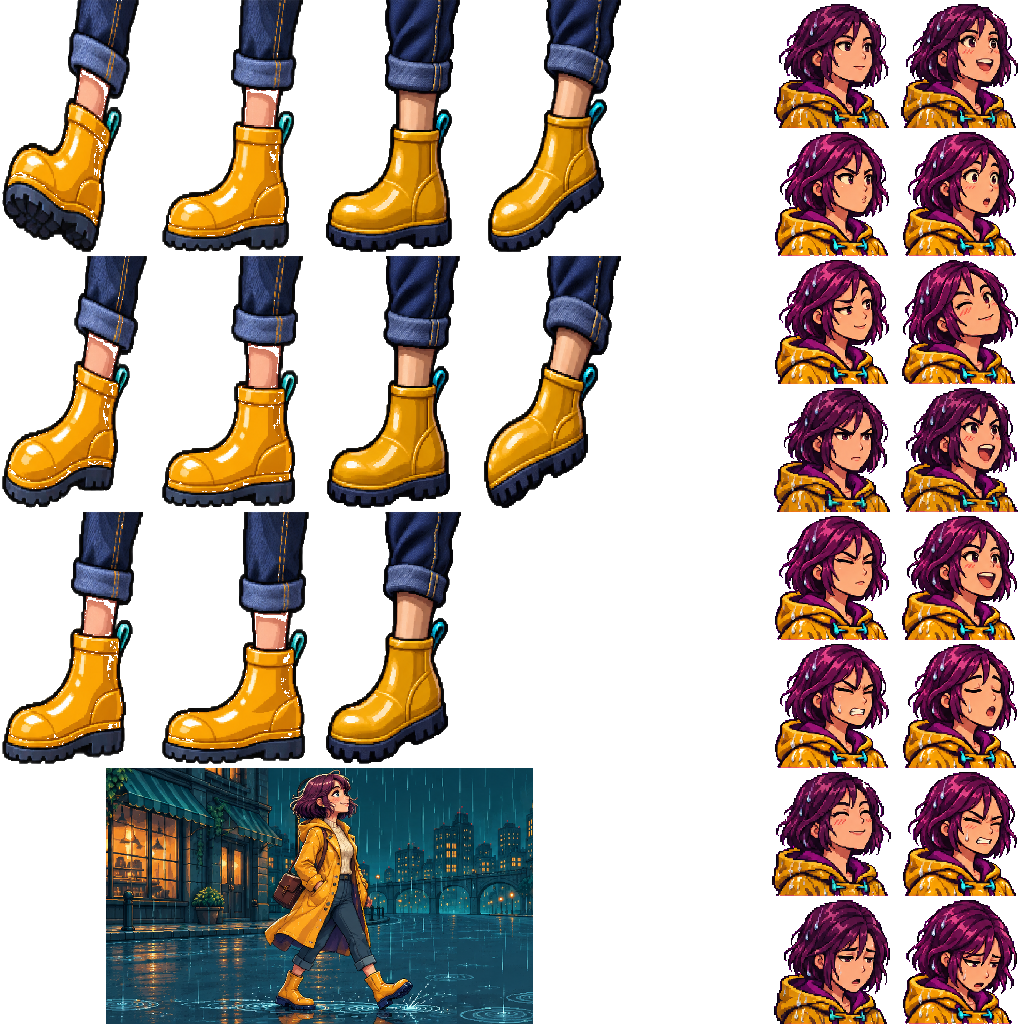
Pick the ZIP to give the character a name, a scene and a full-size ending. The Rainy-Night Commuter kit contains atlas.png, background.png, ending.png and settings.json.
Make one visible change to the commuter
Give the commuter a blue raincoat in her first portrait. Working on one frame makes it easy to see whether your edit landed in the right place.
Find the portrait Unzip a copy of the commuter kit and open atlas.png at its original 1024 × 1024 size. The first neutral portrait is the 128 × 128 square whose top-left corner is at x = 768, y = 0.
Test the color Recolor the yellow fabric inside that square. Keep the transparent pixels around the shoulders and export the whole canvas as PNG. Open it in the local importer and look for blue in the portrait preview.
Carry the change into play Other expressions still wear yellow because each one uses its own frame. Recolor the matching fabric across the portrait cells, keep the file named atlas.png, and re-zip it alongside the original settings and scene images. Import that ZIP and play a round.
Choose Stompgame character atlas and select the PNG again. If the file contains a single illustration instead of a grid, choose Single portrait image.
Why does a foot jump or get clipped?
Compare the same pose with the original PNG at full size. Keep the sole inside its 160 × 256 cell and on the same baseline as the example. Moving the whole sheet shifts the crop for every frame.
Why does the ZIP report a missing image?
Open settings.json and check the paths in images against the files inside the ZIP. In the commuter kit, env points to background.png. If you renamed that file, update the path or restore the filename, then zip the files again.
How do I share a finished character?
Local imports are private. To publish, sign in, import the package on the Create page, save a draft and playtest it. Add a title and your credits, choose public visibility and submit it for review.